Blog update - date change
Hey, When we refresh or update an existing blog, the updated date currently doesn’t appear on the blog feed, and the blog order doesn’t change either. Example: I refreshed this blog today: https://segwise.ai/blog/madgicx-alternative-best-ad-platforms-creative-analytics But it still shows Jan 9 as the publication date, with no visible refresh/update signal. This is becoming important for SEO and LLM search, because freshness signals matter. Can we make sure updated blogs show an “Updated on” date and can move up in the blog feed based on the latest update date? Or update the published date?
Angad Singh
0
Accepted Solution
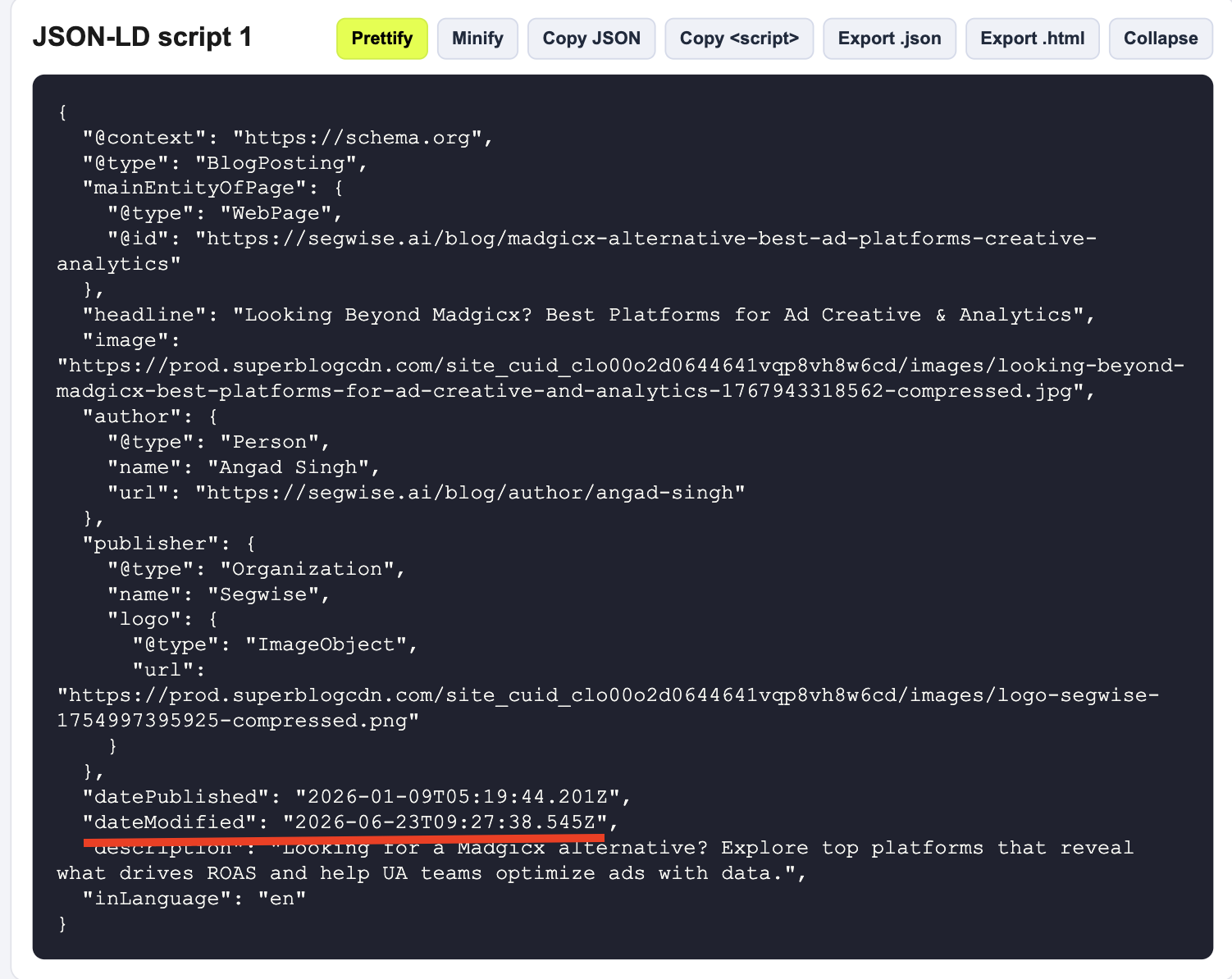
Hi Angad 1. Superblog automatically includes the latest updatedDate in JSON schema so that the crawlers know about it. 2. Also, you can manually change the published date in the editor page.
Sai Krishna answered
Superblog Team0
2 Answers
Hi Angad 1. Superblog automatically includes the latest updatedDate in JSON schema so that the crawlers know about it. 2. Also, you can manually change the published date in the editor page.
Sai Krishna answered
Superblog Team0
Ok awesome, thanks!
Angad Singh answered
1
Login to post an answer
or continue with
By continuing, you are agreeing to our terms of service.