Accepted Solution
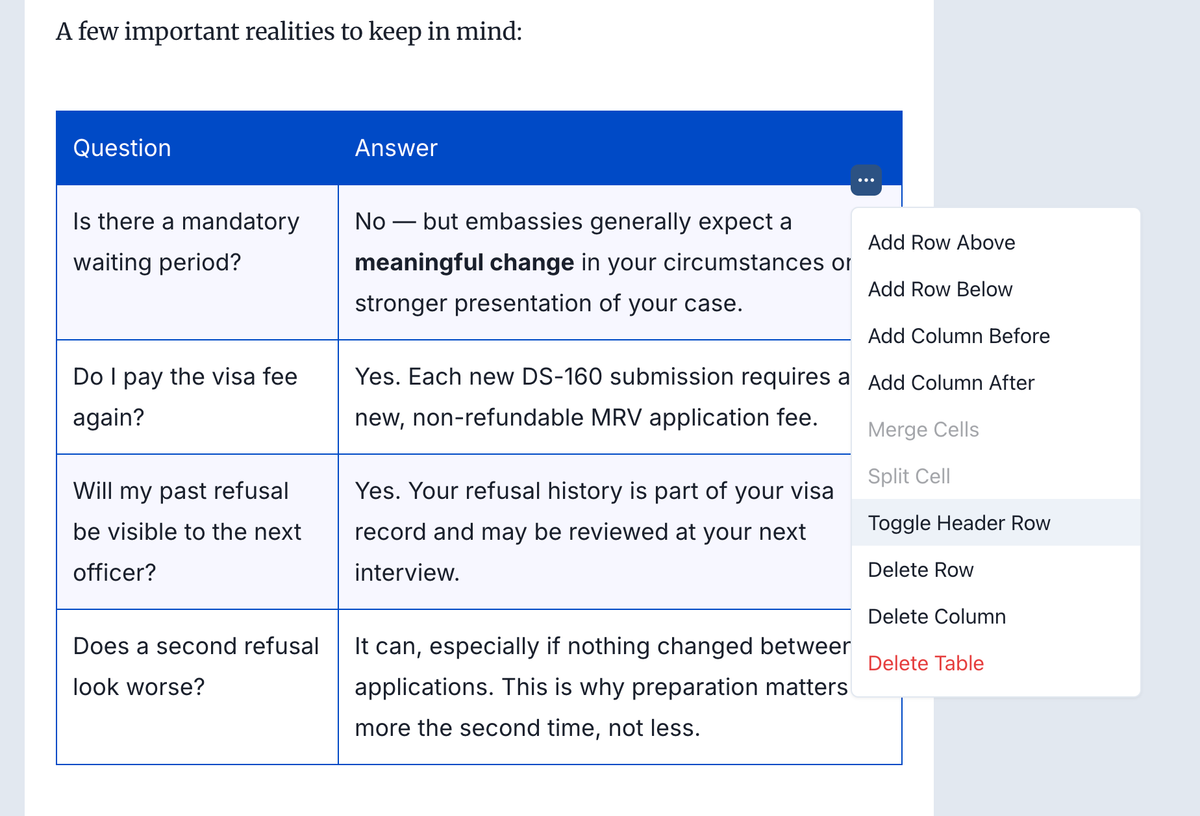
You can click on the table in the post editor and choose toggle header row from the table options. I fixed it for you and triggered a deploy.
Sai Krishna answered
Superblog Team0
7 Answers
You can select a text and choose h2/h3 from the floating toolbar.
Sai Krishna answered
Superblog Team0
Another question: If we select as no header row for a table it still shows a header row once deployed. Is there a fix?
Rahul Dhumale answered
1
Thanks for reporting the bug, Rahul. We issued a fix just now.
Sai Krishna answered
Superblog Team1
I think the bug still persists. I'm not selecting header row and despite that the header row is appearing.
Rahul Dhumale answered
0
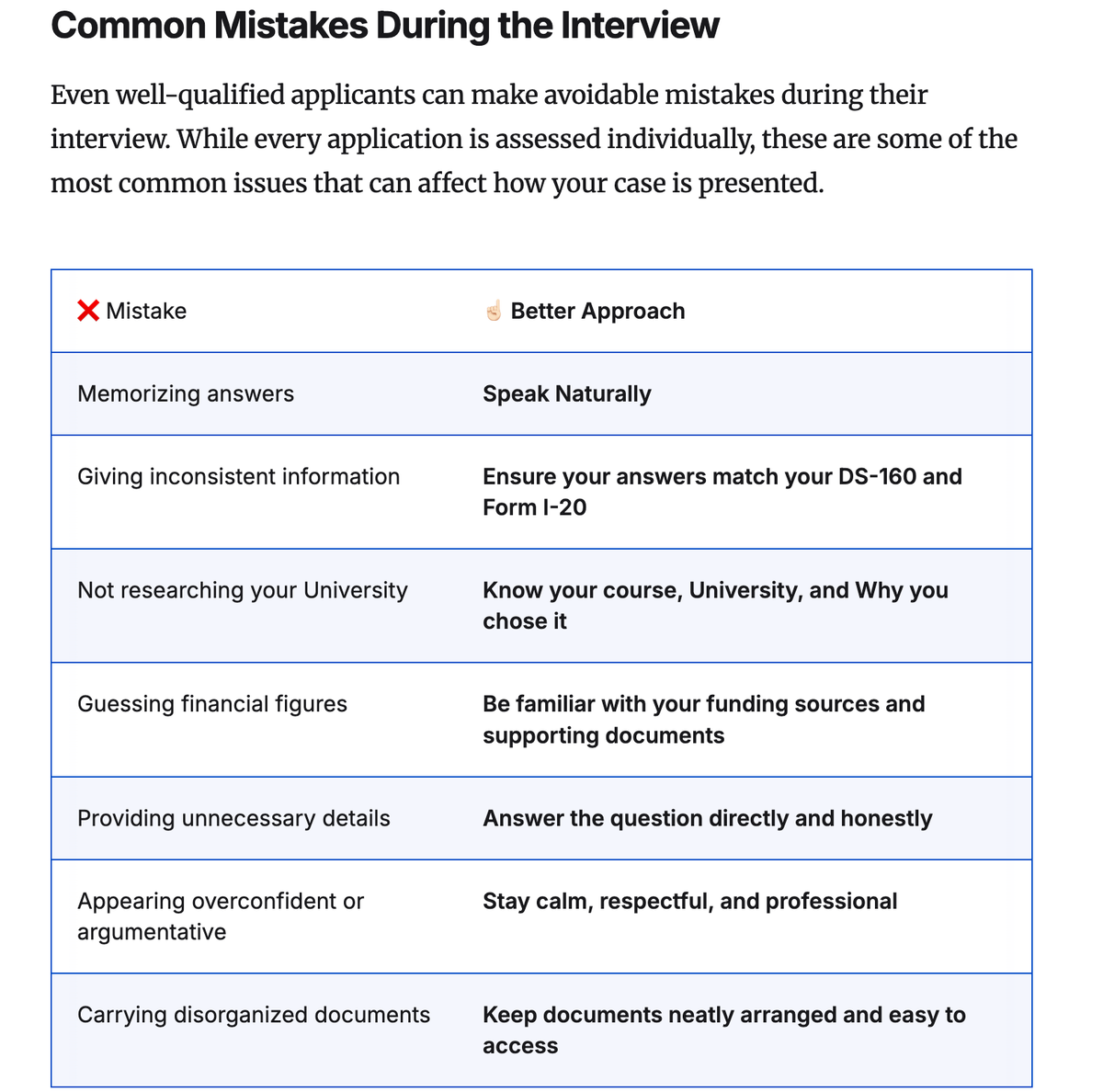
https://blog.interviewivy.com/a-complete-guide-to-f1-visa-interviews-2026 It looks like the feature is working as intended in this particular instance from your superblog.
Sai Krishna answered
Superblog Team0
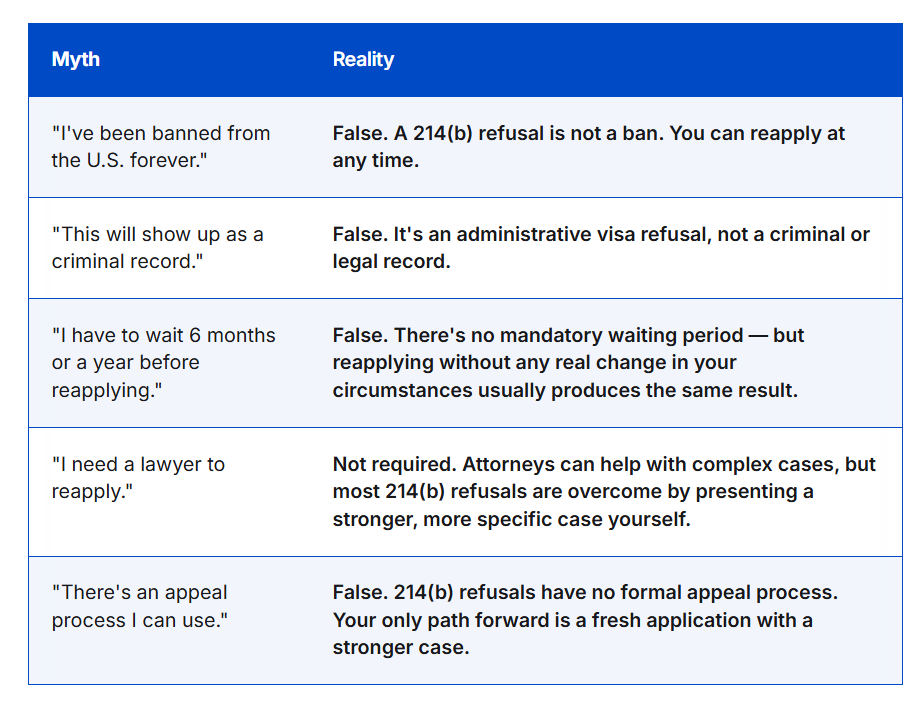
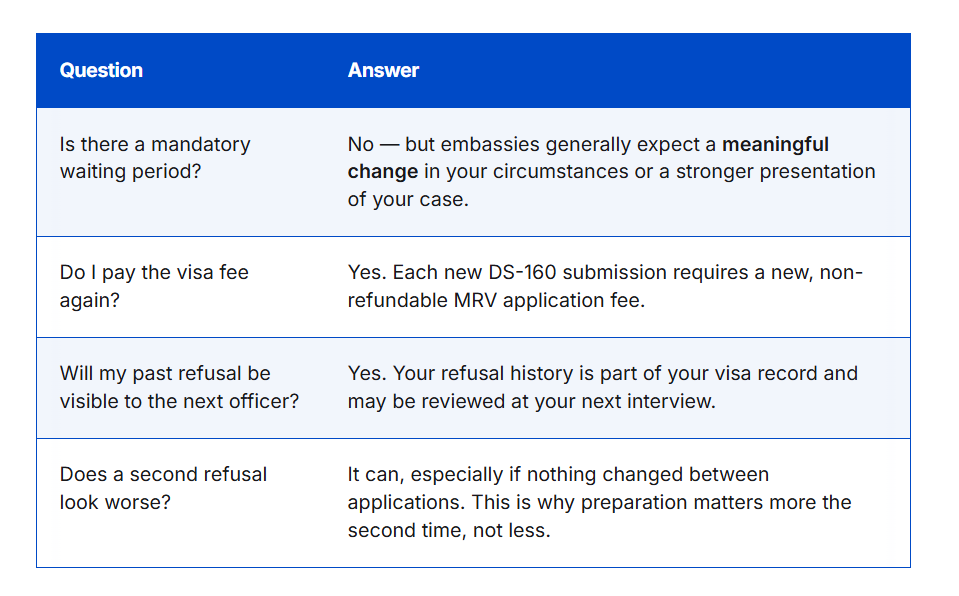
I did not add a header row here and it still has created the header row for these two tables in this blog: https://blog.interviewivy.com/f1-visa-rejection-under-214b-common-reasons
Rahul Dhumale answered
0
You can click on the table in the post editor and choose toggle header row from the table options. I fixed it for you and triggered a deploy.
Sai Krishna answered
Superblog Team0
Login to post an answer
or continue with
By continuing, you are agreeing to our terms of service.